An iOS 27 bug can temporarily freeze your iPhone
Published
What's this about?
If your newly updated iPhone suddenly freezes, don't panic. Here's how to fix it.
The one-panel cartoon
Read the cartoon's script
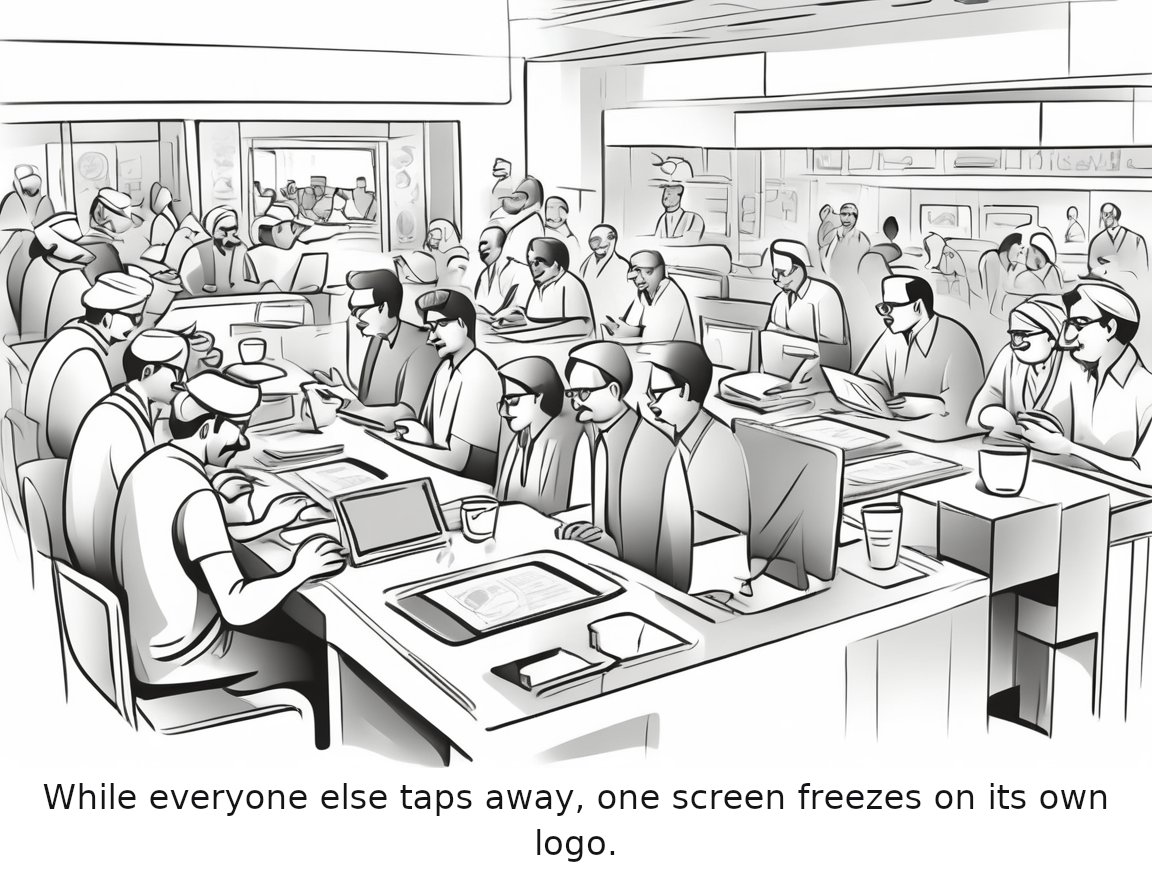
A busy café with numerous people using various devices except for a frustrated iPhone user staring blankly at their frozen screen, which is ironically displaying the Apple logo.
Caption: While everyone else taps away, one screen freezes on its own logo.
Read the full 3-panel strip
Based on the original story on engadget.com.
Editor's note
While the iOS 27 bug might cause some users concern, it's reassuring to know that a straightforward fix is available. Addressing such issues promptly helps maintain user confidence and ensures that updates continue to be a positive experience for the majority of device owners.
Rate this comic
Read the script
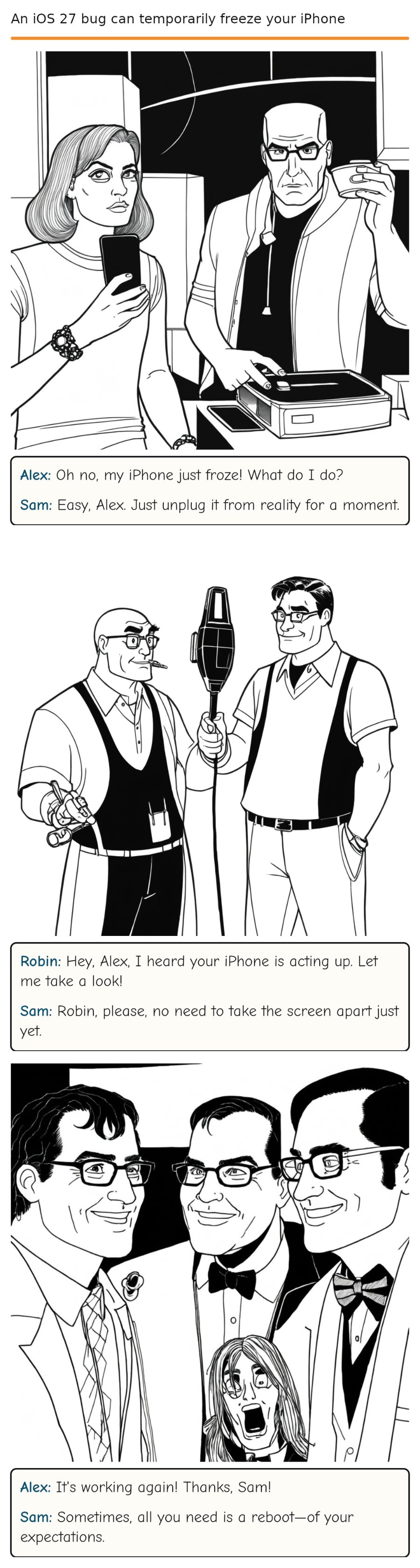
Panel 1
Alex, holding an iPhone, looks panicked as Sam stands nearby, calmly sipping coffee.
Alex: Oh no, my iPhone just froze! What do I do?
Sam: Easy, Alex. Just unplug it from reality for a moment.
Panel 2
Alex stares at his iPhone, then looks up at Sam with a confused expression. Robin, holding a screwdriver, walks in with a mischievous grin. Sam (dryly)
Robin: Hey, Alex, I heard your iPhone is acting up. Let me take a look!
Sam: Robin, please, no need to take the screen apart just yet.
Panel 3
Alex's iPhone suddenly unfreezes. He looks relieved, while Robin and Sam share a knowing look. Sam (smiling)
Alex: It's working again! Thanks, Sam!
Sam: Sometimes, all you need is a reboot—of your expectations.
Comments