How Focus mode has changed in iOS 27
Published
What's this about?
iOS 27 brings tons of cool upgrades to your iPhone. Don't miss the interesting-yet-subtle changes to Focus.
The one-panel cartoon
Read the cartoon's script
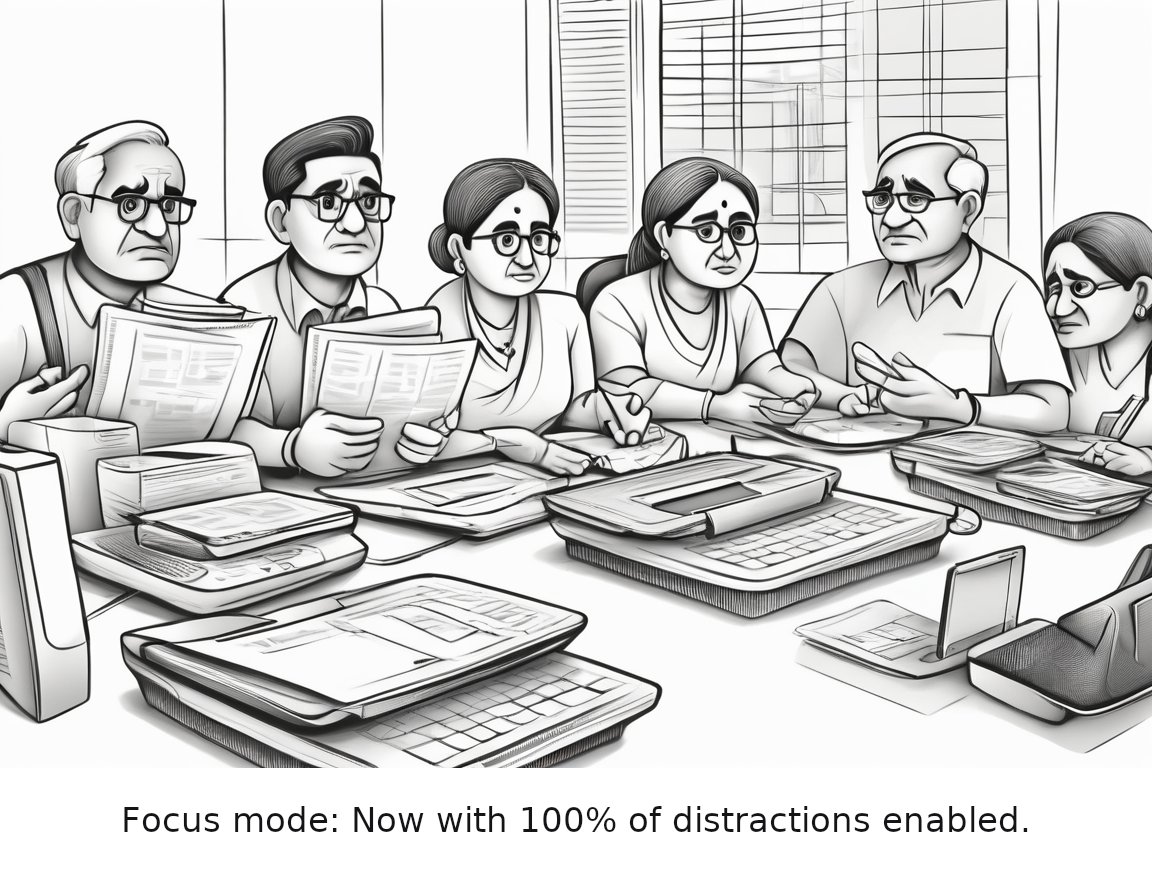
A cluttered desk with multiple smartphones, tablets, and laptops, each displaying various notifications, while a person looks frustrated and overwhelmed, holding an iPhone with the Focus mode turned on, which ironically shows a notification for a distracting app.
Caption: Focus mode: Now with 100% of distractions enabled.
Read the full 3-panel strip
Based on the original story on engadget.com.
Editor's note
While iOS 27 boasts numerous exciting enhancements, the subtle yet impactful changes to Focus mode are a standout feature that can help you stay more organized and focused, regardless of the day's distractions.
Rate this comic
Read the script
Panel 1
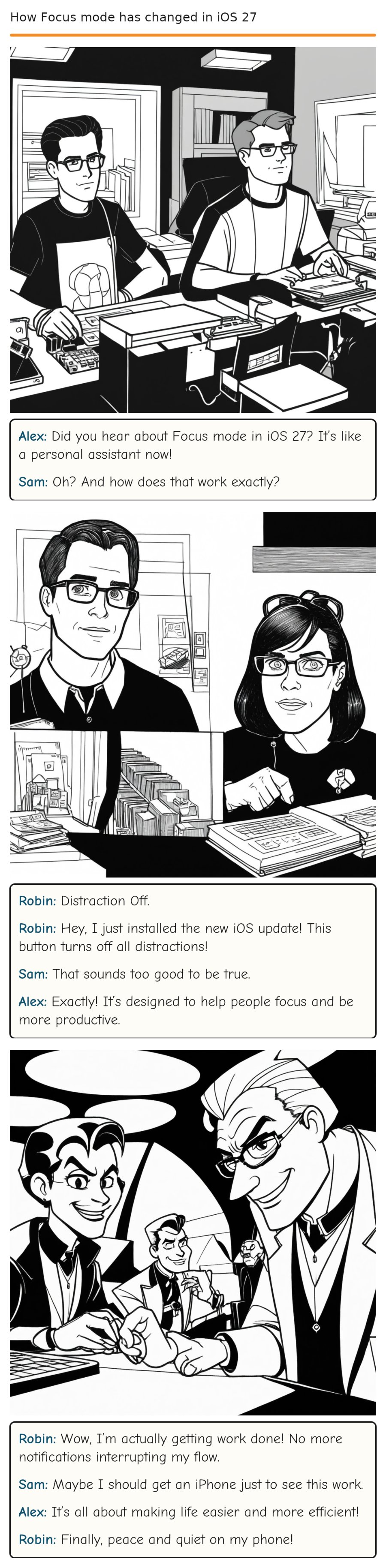
*Alex is sitting at their desk, surrounded by iPhone prototypes and papers. Sam stands beside Alex, looking skeptical.* Alex (excitedly) Sam (dryly)
Alex: Did you hear about Focus mode in iOS 27? It’s like a personal assistant now!
Sam: Oh? And how does that work exactly?
Panel 2
*Robin bursts into the room, carrying a stack of papers and an iPhone with a big red button labeled * Robin (cheerfully) Sam (skeptical) Alex (nods)
Robin: Distraction Off.
Robin: Hey, I just installed the new iOS update! This button turns off all distractions!
Sam: That sounds too good to be true.
Alex: Exactly! It’s designed to help people focus and be more productive.
Panel 3
*Robin is now sitting at Alex’s desk, trying out the new Focus mode features. The iPhone vibrates with notifications, but none of them are reaching Robin.* Robin (smiling) Sam (chuckling) Alex (beaming) Robin (grinning)
Robin: Wow, I’m actually getting work done! No more notifications interrupting my flow.
Sam: Maybe I should get an iPhone just to see this work.
Alex: It’s all about making life easier and more efficient!
Robin: Finally, peace and quiet on my phone!
Comments