How to block time-wasting apps on iPhone using Screen Time
Published
What's this about?
If you want to stop using your phone at certain time and getting stuck into certain apps too much, Screen Time can help.
The one-panel cartoon
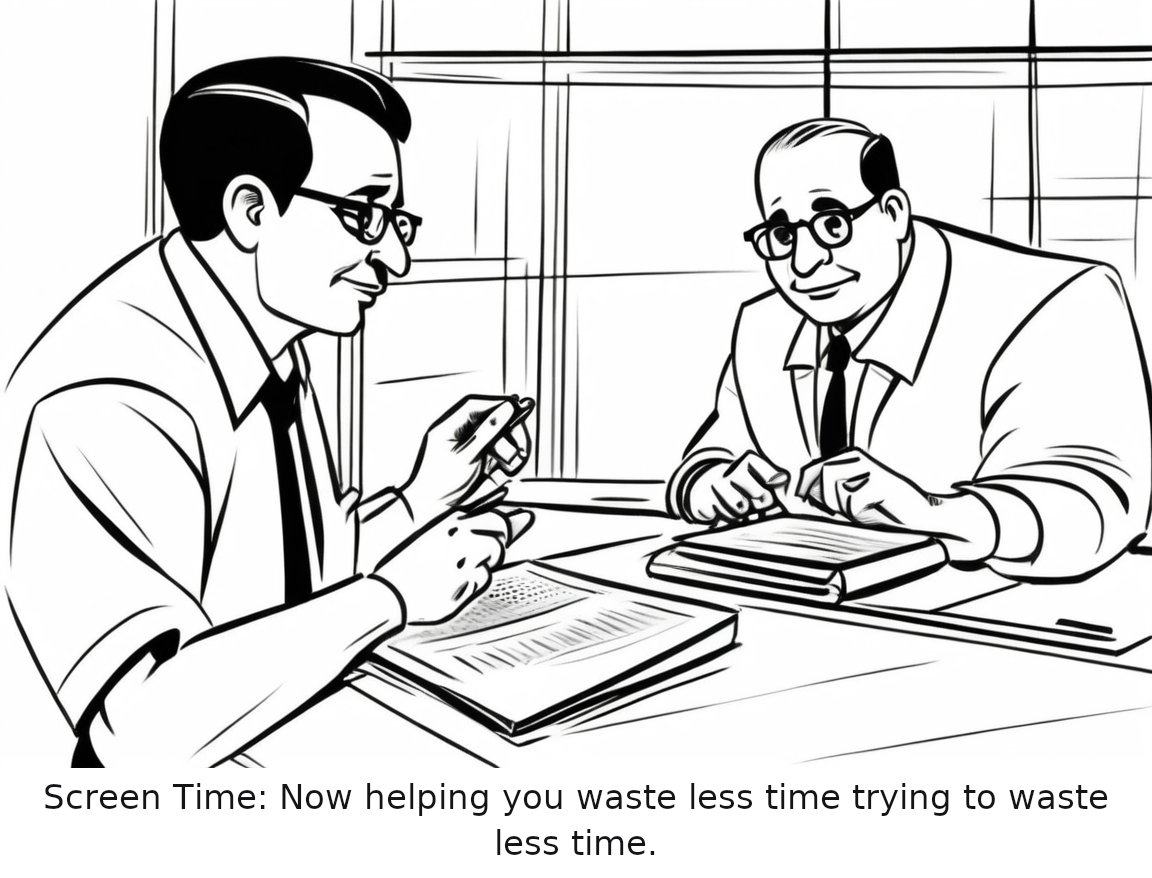
Read the cartoon's script
A man sitting at a desk, frustratedly tapping on his iPhone while Screen Time notifications remind him to take a break.
Caption: Screen Time: Now helping you waste less time trying to waste less time.
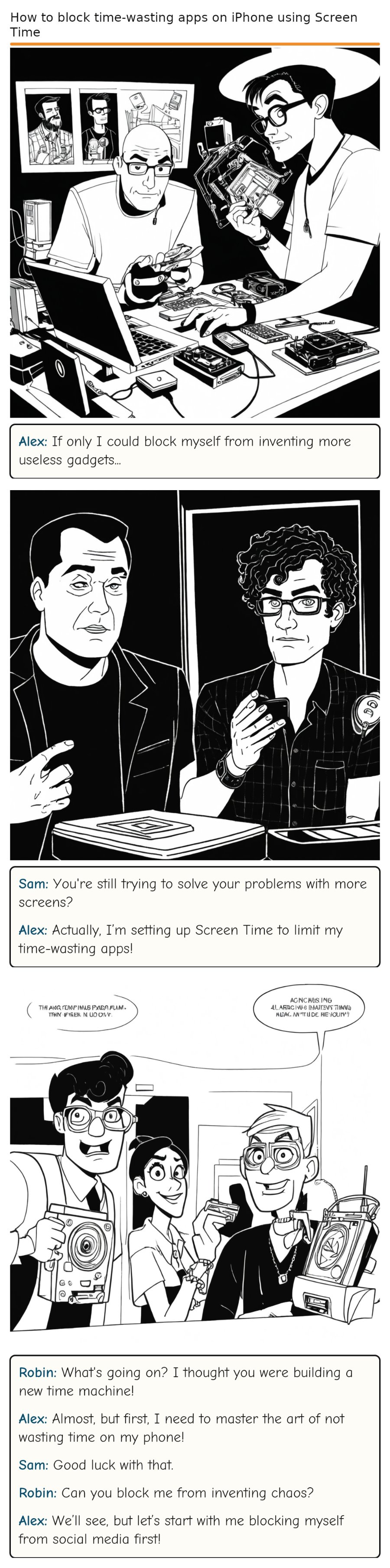
Read the full 3-panel strip
Based on the original story on engadget.com.
Editor's note
This article about using Screen Time to manage time-wasting apps on your iPhone is essential for anyone looking to maintain a healthier relationship with their digital devices, ensuring that important tasks don't get sidelined by the allure of less productive apps.
Rate this comic
Read the script
Panel 1
*Alex is sitting at a cluttered desk, surrounded by gadgets and half-finished inventions. He is holding his iPhone and looking at it with a determined expression.* Alex (to himself)
Alex: If only I could block myself from inventing more useless gadgets...
Panel 2
*Sam enters the room, looking at Alex skeptically. Alex is now on his iPhone, navigating through the settings.* Alex (excitedly)
Sam: You're still trying to solve your problems with more screens?
Alex: Actually, I’m setting up Screen Time to limit my time-wasting apps!
Panel 3
*Robin bursts into the room, holding a stack of broken gadgets and a confused look on her face.* Robin (wildly) Alex (with a grin) Sam (deadpan) Robin (curiously) Alex (optimistically)
Robin: What's going on? I thought you were building a new time machine!
Alex: Almost, but first, I need to master the art of not wasting time on my phone!
Sam: Good luck with that.
Robin: Can you block me from inventing chaos?
Alex: We’ll see, but let’s start with me blocking myself from social media first!
Comments