How to use your laptop as a second monitor
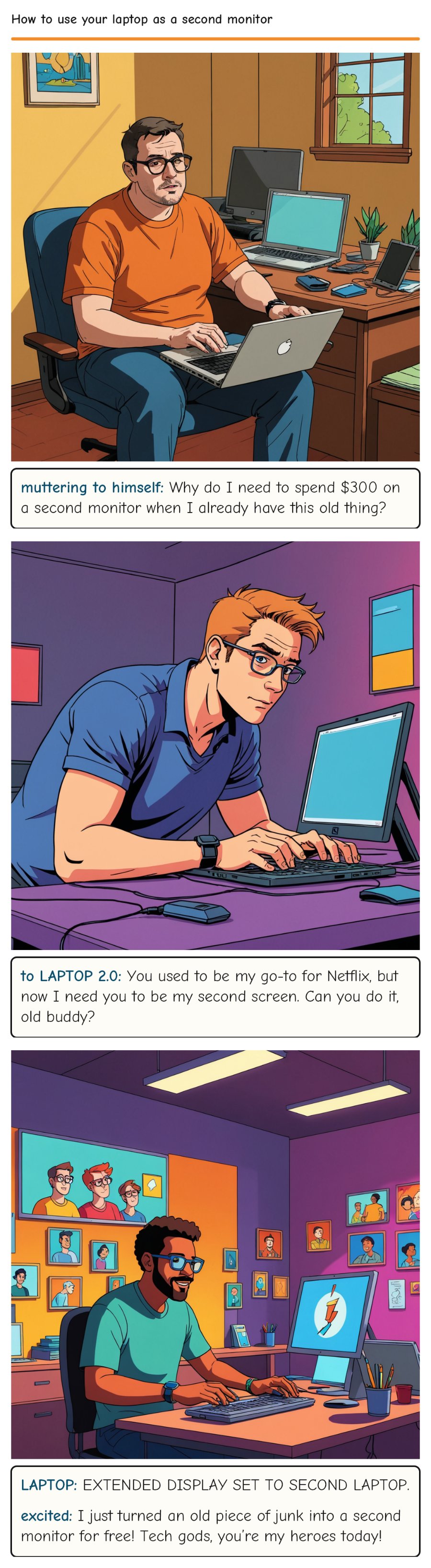
If you have an extra laptop lying around, you can connect it to your primary laptop with a wireless or wired connection for a free dual monitor set up.
Who needs expensive monitors when you've got an old laptop gathering dust? This clever hack turns redundancy into productivity, but it also raises a good point about our throwaway tech culture. Maybe setting up a secondary screen is less about the gadgets and more about finding innovative ways to reuse what we already own.
Panel script
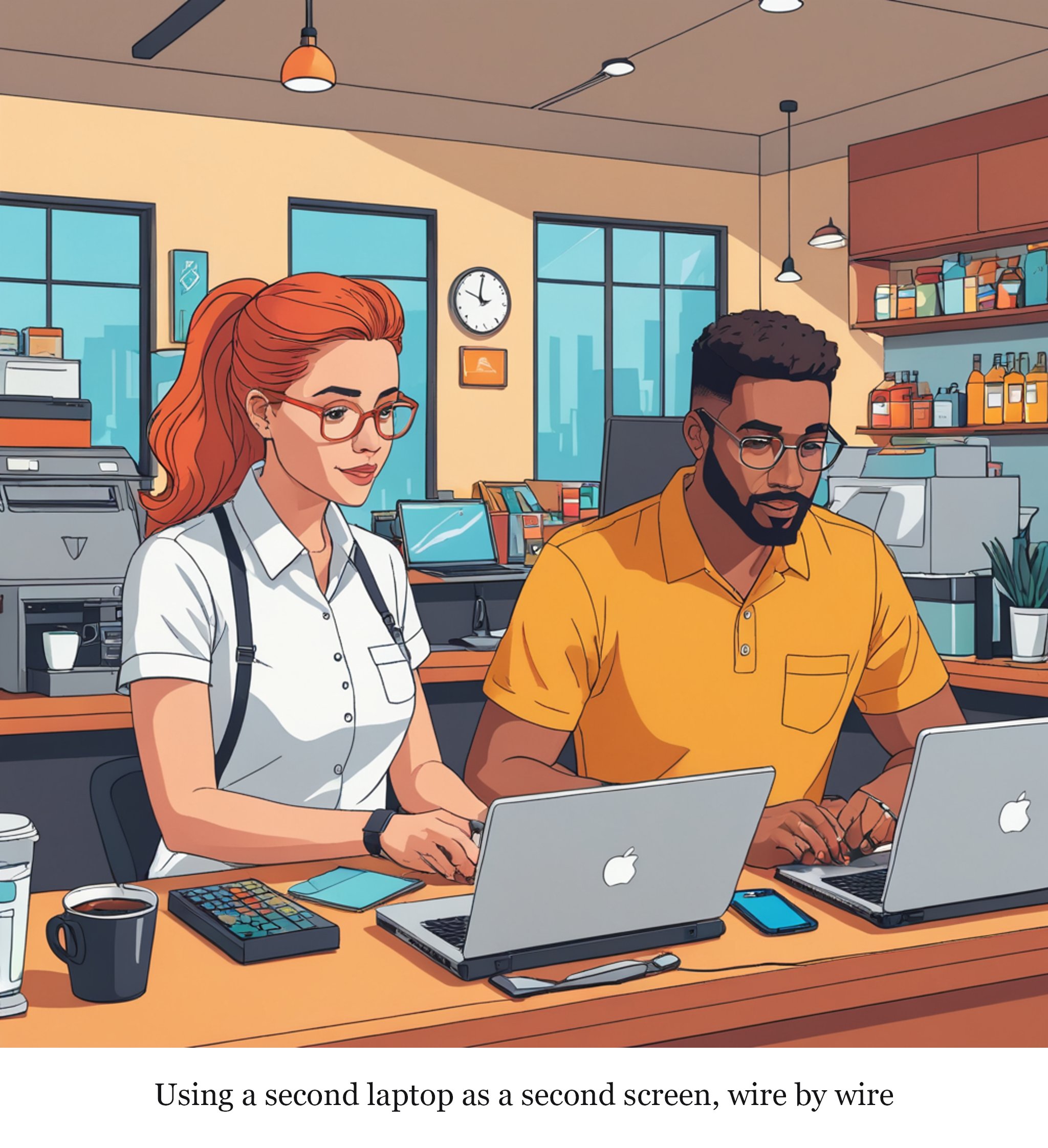
A coffee shop counter with a barista holding a cup of coffee in one hand and plugging in a USB cable into a laptop, while another laptop lies open and unused beside it
Using a second laptop as a second screen, wire by wire
Rate this comic
Script
Panel 1
INT. LIVING ROOM - DAY JASON, a slouching, glasses-wearing tech enthusiast, sits in front of his primary laptop, looking frustrated. Next to him is an old, dusty LAPTOP 2.0 on a small side table.
muttering to himself: Why do I need to spend $300 on a second monitor when I already have this old thing?
Panel 2
JASON leans over to LAPTOP 2.0, fumbling with a cable and a small USB hub.
to LAPTOP 2.0: You used to be my go-to for Netflix, but now I need you to be my second screen. Can you do it, old buddy?
Panel 3
LAPTOP 2.0 suddenly comes to life, with a familiar Windows loading screen. Jason’s face lights up with surprise and joy. On the screen, a message pops up:
LAPTOP: EXTENDED DISPLAY SET TO SECOND LAPTOP.
excited: I just turned an old piece of junk into a second monitor for free! Tech gods, you’re my heroes today!
Comments