Microsoft blames a configuration change for Exchange Admin Center tumble
Published
What's this about?
Rollback fixed things, but stop us if you've heard this before
The one-panel cartoon
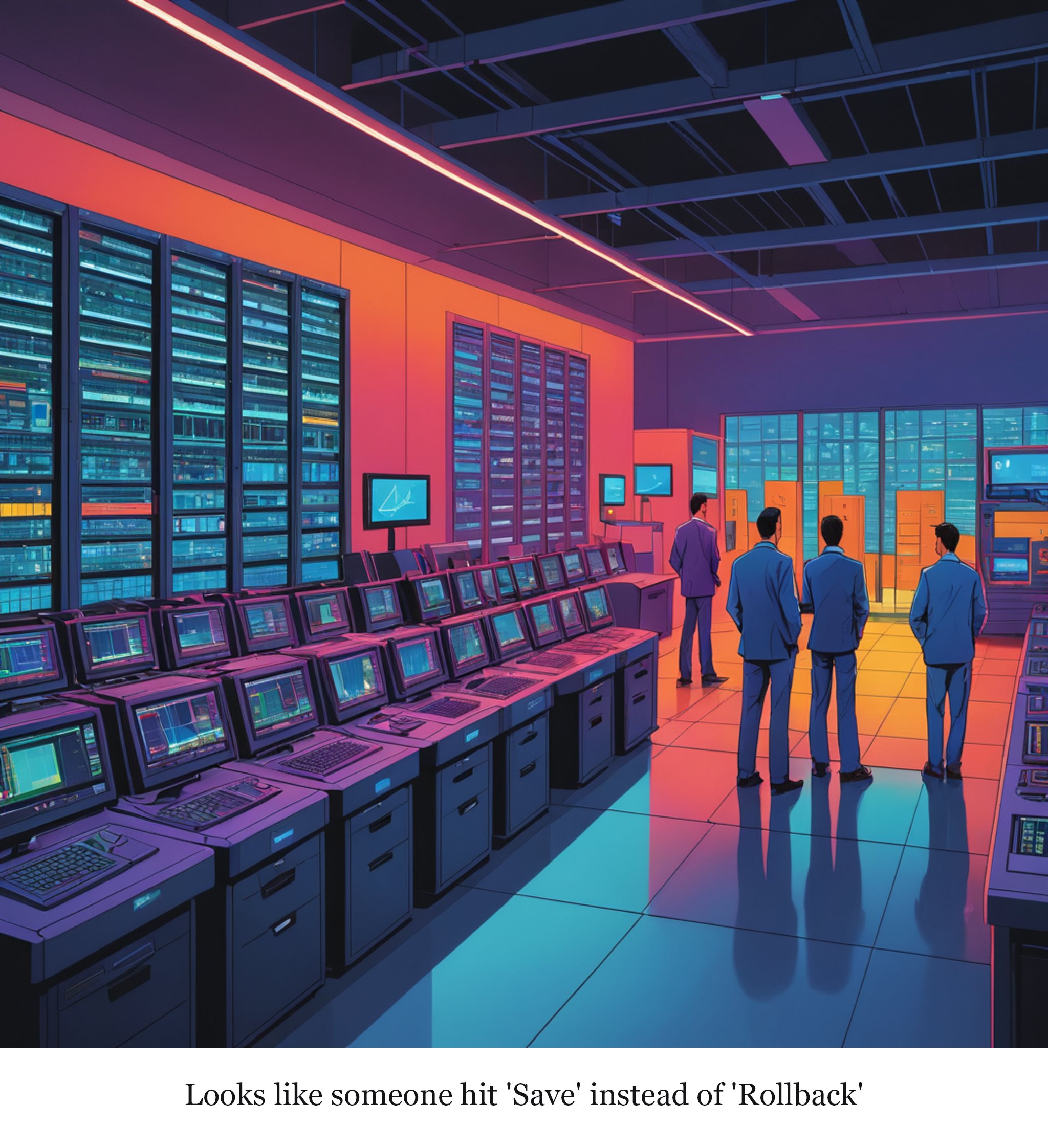
Read the cartoon's script
A dimly lit data center with rows of server racks, one rack prominently displaying a flashing red error light and a monitor showing a configuration window with a 'Save Changes' button prominently highlighted.
Caption: Looks like someone hit 'Save' instead of 'Rollback'
Read the full 3-panel strip
Based on the original story on theregister.com.
Editor's note
Ah, the age-old tale of "It must be a configuration change" — it's like blaming the kitchen sink when your Wi-Fi goes on the fritz. Microsoft’s quick rollback shows they know where the trouble lies, but hey, who needs a scapegoat when you’ve got a default setting to pin it on?
Rate this comic
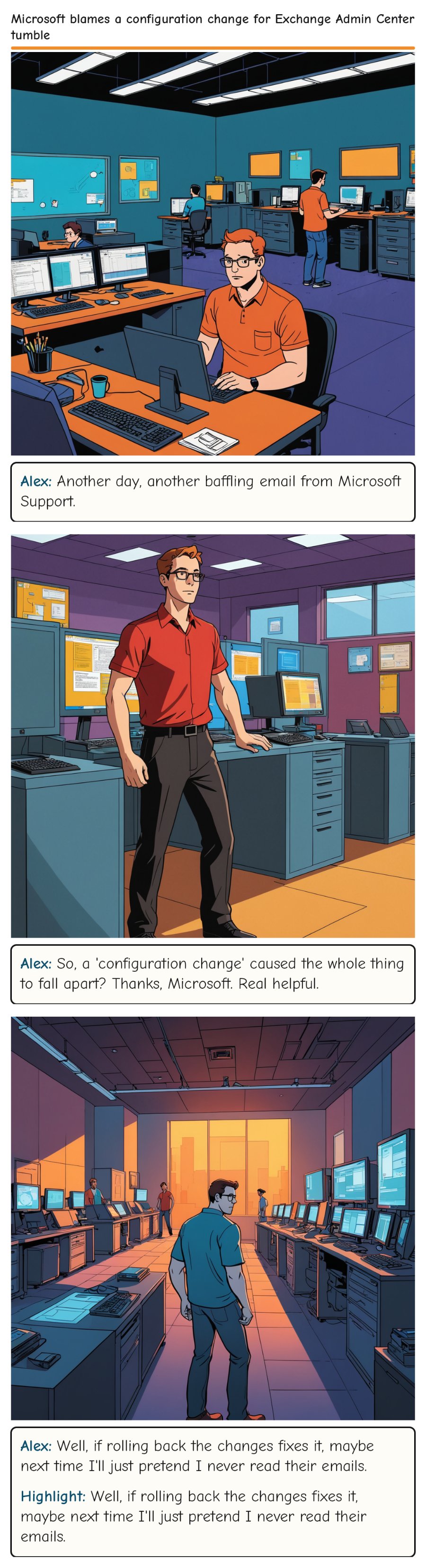
Read the script
Panel 1
A cluttered server room with racks of humming servers and a technician, Alex, sitting at a desk filled with laptops, papers, and a cup of coffee. A large monitor displays a warning message about the Exchange Admin Center outage.
Alex: Another day, another baffling email from Microsoft Support.
Panel 2
The same server room, but now Alex is standing, looking at a stack of printed configuration files and a laptop screen showing the Exchange Admin Center interface with a red warning sign.
Alex: So, a 'configuration change' caused the whole thing to fall apart? Thanks, Microsoft. Real helpful.
Panel 3
The same server room, but now Alex is rolling back the configuration changes, with a look of mild exasperation. The large monitor shows the rollback process completing successfully.
Alex: Well, if rolling back the changes fixes it, maybe next time I'll just pretend I never read their emails.
Highlight: Well, if rolling back the changes fixes it, maybe next time I'll just pretend I never read their emails.
Comments