Two characters open up a world of typosquatting opportunities in Chromium browsers
Published
What's this about?
Attackers abusing rare Cyrillic and Latin letters to impersonate popular websites
The one-panel cartoon
Read the cartoon's script
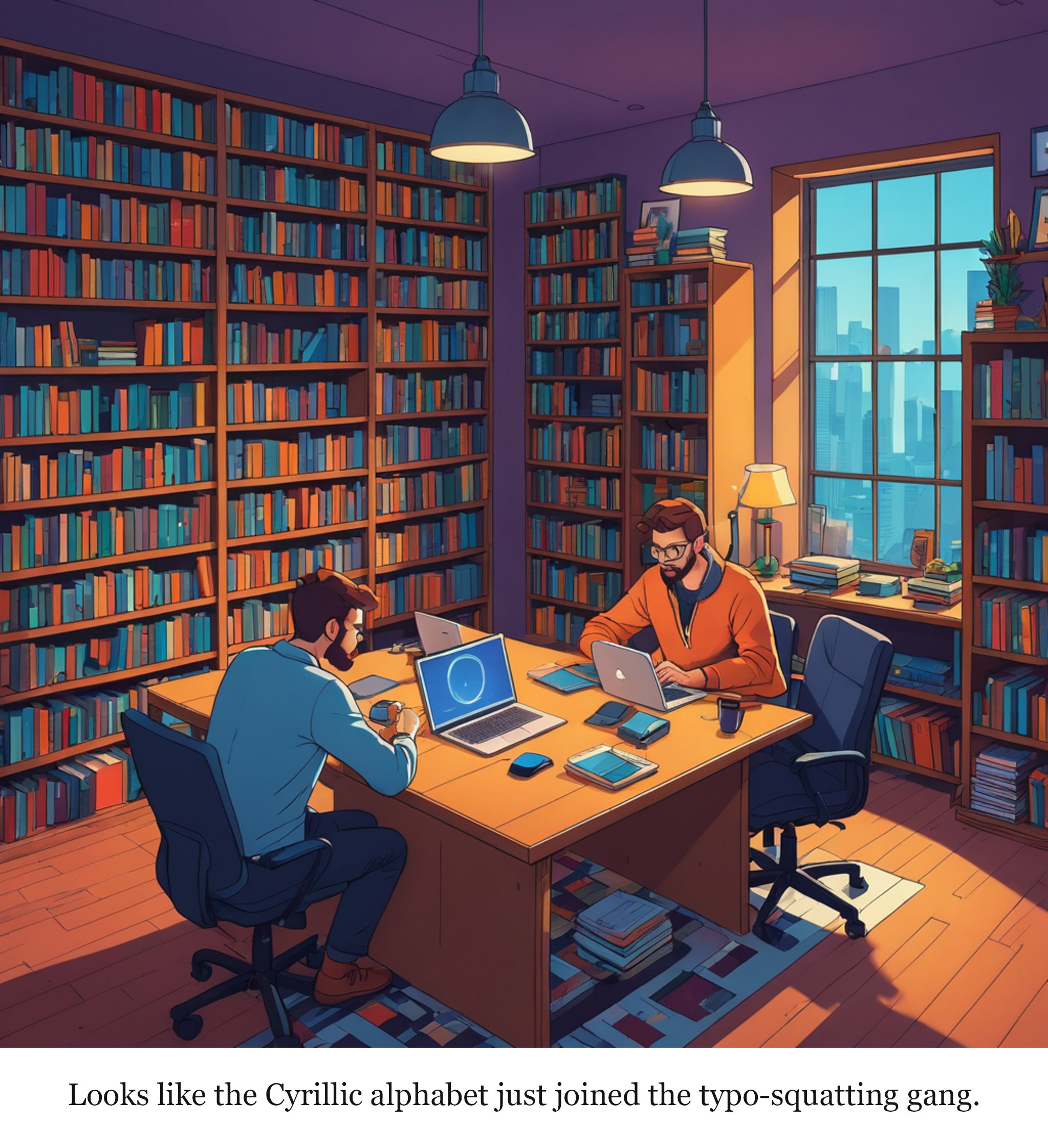
A cozy, dimly lit library with a large wooden table where two tech enthusiasts are working on their laptops, surrounded by books on cybersecurity and coding.
Caption: Looks like the Cyrillic alphabet just joined the typo-squatting gang.
Read the full 3-panel strip

Based on the original story on theregister.com.
Editor's note
As we navigate the digital world, the subtleties of language and script can become unexpected gateways for deception. It's important for us to stay vigilant and support the ongoing efforts to strengthen browser security, ensuring that our online experiences remain safe and trustworthy for everyone.
Rate this comic
Read the script
Panel 1
The story is about Chromium-based browsers and the security vulnerabilities that arise from users being tricked into visiting malicious websites through cleverly crafted domain names using Cyrillic and Latin characters that look similar but are different. This often leads to phishing and other cyberattacks. The irony lies in how easily users can be misled by subtle differences in characters that look almost identical but are fundamentally different, leading to security breaches in supposedly secure browsers. The highlight is a moment where a character demonstrates the absurdity by showing how easily one can be tricked into visiting a malicious site, despite being aware of the risks. ---
Panel 2
*Setting: A cozy living room with a laptop on a small coffee table. Two friends, Alex and Jamie, are seated on a couch. Alex is typing on the laptop, while Jamie is looking over Alex’s shoulder.* Alex (typing) Jamie (eyes wide) ---
Alex: I heard there’s a new way to get phished on Chromium browsers.
Jamie: Really? Like, through typosquatting?
Alex: Yeah, but this is worse. They use Cyrillic letters to mimic popular sites.
Jamie: No way! Show me.
Panel 3
*Setting: The same living room. Alex has opened a new tab and is typing in a URL. Jamie looks confused and worried.* Alex (typing) Jamie (squinting) Alex (typing) Jamie (alarmed) ---
Alex: Let’s try it out. This URL is supposed to look like ‘google.com’.
Jamie: Wait, what are you typing?
Alex: It’s supposed to be a Cyrillic ‘а’ instead of an ‘a’. Look, it’s almost the same.
Jamie: But that looks exactly like a regular ‘a’!
Panel 4
*Setting: The same living room. The laptop screen now shows a page that looks almost identical to Google’s homepage, but with Cyrillic characters. Jamie is visibly shocked, while Alex looks sheepish.* Jamie (in disbelief) Alex (smiling awkwardly) Jamie (sighing) Alex (laughing nervously)
Jamie: This is... this is insane. It looks exactly the same!
Alex: Yeah, it’s scary how easy it is to be tricked.
Jamie: We need better browsers, or at least better eyesight.
Alex: Or at least a lot more paranoia.
Comments