How to help stop spam calls on iPhone and Android
Published
What's this about?
Spam calls don't have to grab your attention and waste your time. Use these built-in options to silence and block them without having to pay.
The one-panel cartoon
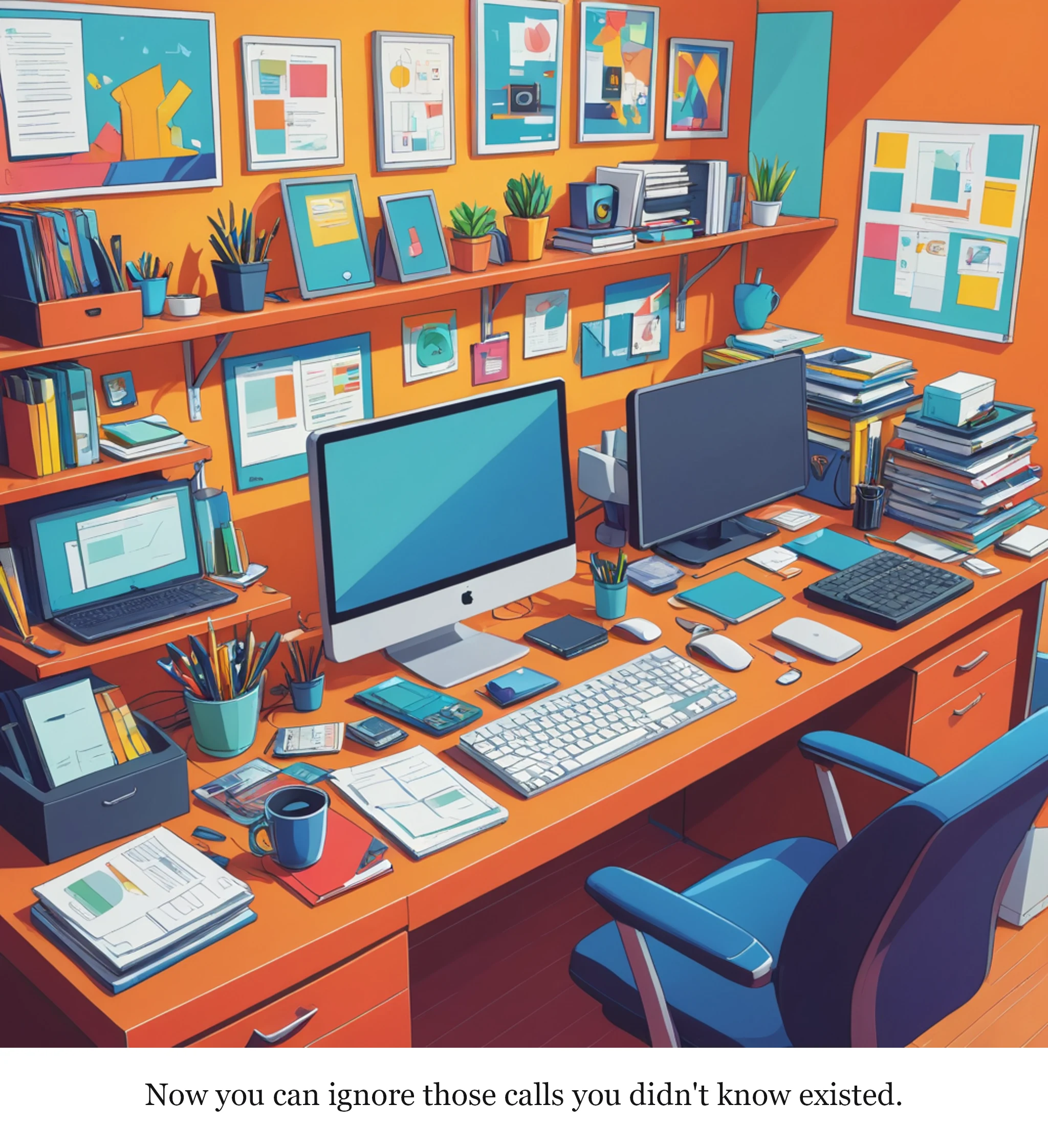
Read the cartoon's script
A cluttered home office with a desk piled with paperwork and a desktop computer, with an iPhone and an Android phone side by side, both flashing spam call alerts.
Caption: Now you can ignore those calls you didn't know existed.
Read the full 3-panel strip
Based on the original story on engadget.com.
Rate this comic
Read the script
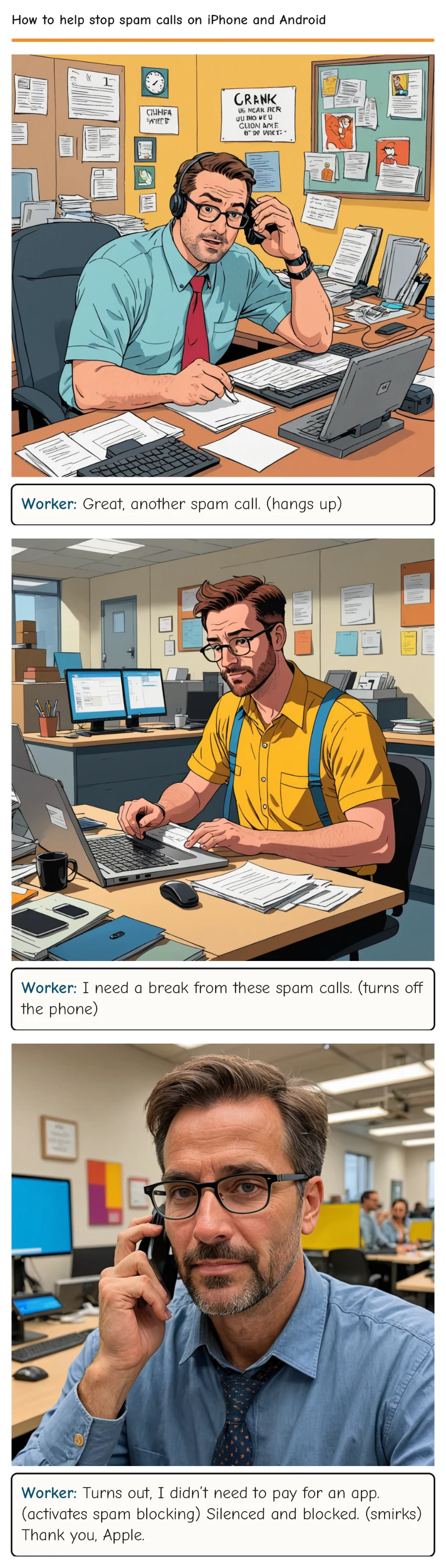
Panel 1
*Setting: A cluttered home office with a desk phone and a wall-mounted iPhone on speaker mode, buzzing with spam calls.* *Scene: The desk is covered with papers, a coffee mug, and a half-eaten sandwich. The iPhone is prominently displayed on speaker mode, buzzing with a series of spam calls. The character, a frustrated office worker, is on the other line, trying to get some work done.* Worker (muttering)
Worker: Great, another spam call. (hangs up)
Panel 2
*Setting: The same office, but now the iPhone is turned off. The worker is at their desk, typing intensely on a laptop, with a stack of papers and books scattered around.* *Scene: The worker looks at their phone, which is now off, and sighs in relief. A half-finished cup of coffee and a notebook are nearby. The worker's eyes dart back and forth between the phone and the laptop screen, clearly annoyed.* Worker (sighs)
Worker: I need a break from these spam calls. (turns off the phone)
Panel 3
*Setting: The same office, but now the iPhone is back on, but with the spam calls silenced. The worker is now using their phone to activate the built-in spam blocking feature.* *Scene: The worker is on the phone, tapping on the screen, turning on the spam blocking feature. A satisfied look appears on their face as they realize they don’t have to pay for an app to do this.* Worker (dryly)
Worker: Turns out, I didn’t need to pay for an app. (activates spam blocking) Silenced and blocked. (smirks) Thank you, Apple.
Comments